
Drills are one of the most common and useful power tools found in any workshop or construction site. They allow you to create holes in various materials, including wood, metal, and plastic. Most drills come with a forward and reverse function, which is useful when you need to unscrew or remove something. In this article, we will discuss how to put a drill in reverse.
Step 1: Identify the Reverse Function on Your Drill

The first step is to locate the reverse function on your drill. Most drills have a switch that allows you to change between forward and reverse modes. Look for the switch near the trigger or on the top of the drill. The switch may be labeled with an arrow pointing in the opposite direction of the forward arrow.
Step 2: Turn Off Your Drill

Before changing the direction of your drill, it's essential to turn it off. This prevents any accidental drilling or damage to your workpiece. Turn off your drill by releasing the trigger or pressing the stop button.
Step 3: Switch to Reverse Mode
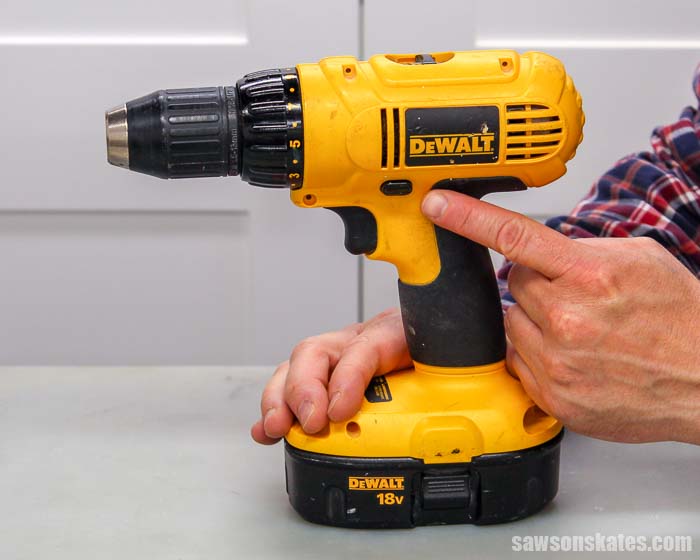
Once you've identified the reverse function and turned off your drill, switch to reverse mode. Depending on your drill, you may need to slide the switch or press a button to change the mode. Make sure the switch is securely in the reverse position.
Step 4: Test Your Drill
After switching to reverse mode, test your drill to ensure it's working correctly. Press the trigger or button to engage the reverse function. You should hear a distinct sound, and the drill should turn in the opposite direction. If your drill isn't turning, check the switch's position and try again.
Step 5: Use Your Drill in Reverse Mode

Once your drill is in reverse mode, you can use it to unscrew or remove screws, bolts, or other fasteners. Place the drill bit or screwdriver in the screw head and engage the trigger or button. The screw should begin to turn counterclockwise and eventually come out.
Step 6: Reverse Your Drill Back to Forward Mode

After using your drill in reverse mode, you'll need to switch it back to forward mode. This is essential if you want to drill holes or drive screws into your workpiece. Turn off your drill, switch the mode back to forward, and then test your drill to ensure it's working correctly.
Step 7: Safety Precautions
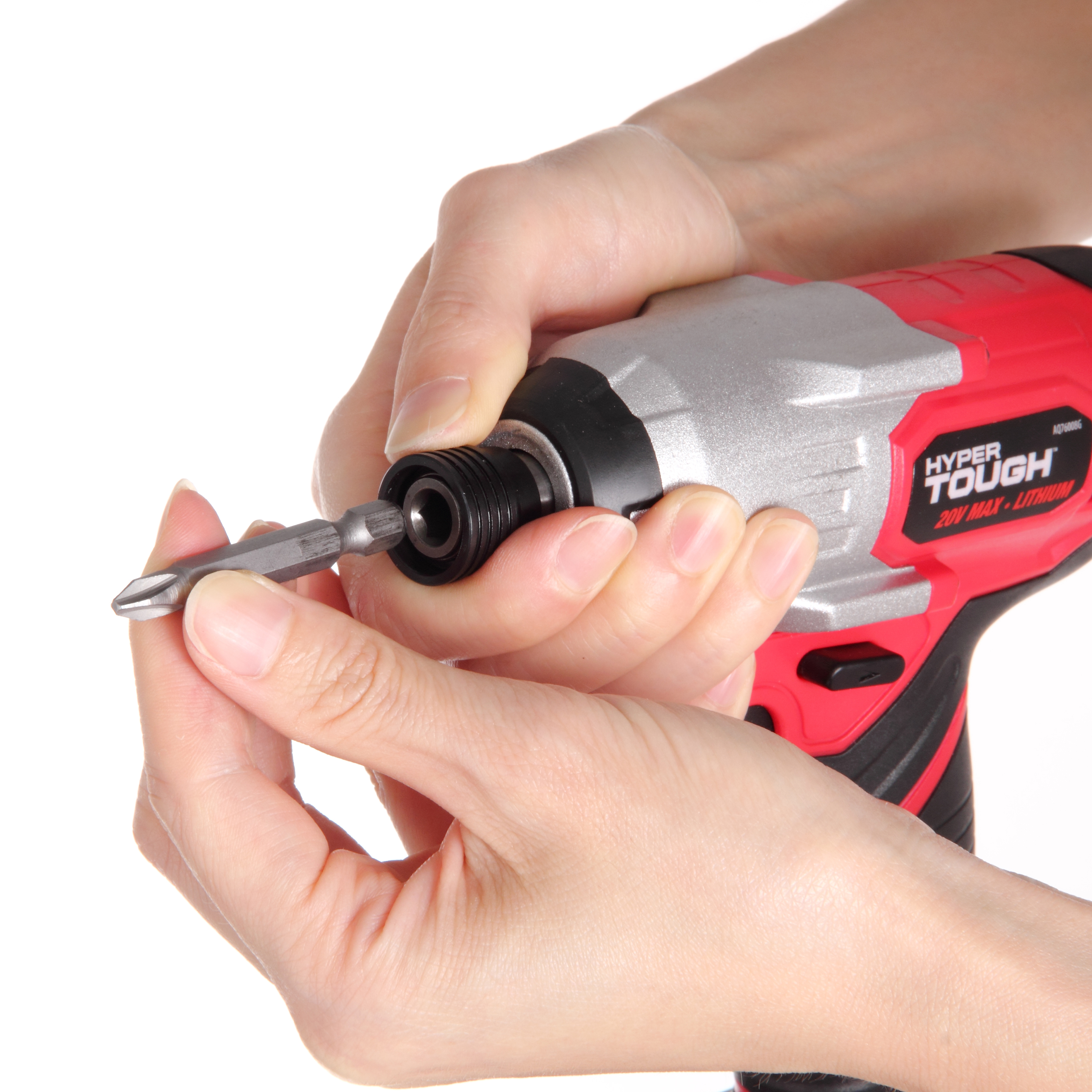
It's essential to follow safety precautions when using any power tool, including drills. Always wear eye protection, gloves, and ear protection when using a drill. Keep your hands and loose clothing away from the drill bit and other moving parts. If you're unsure how to use a drill or any power tool, read the owner's manual or seek guidance from a professional.
Conclusion
Putting your drill in reverse mode is a simple process that allows you to unscrew or remove fasteners. By following the steps outlined in this article, you can easily switch between forward and reverse modes on your drill. Remember to follow safety precautions when using any power tool and seek guidance if you're unsure how to use it. With practice, you'll become proficient at using your drill in both forward and reverse modes.