When it comes to typing a registered trademark on your Android device, it may seem a bit tricky at first. However, it is actually quite simple, and once you learn how to do it, you can easily use it in your day-to-day communication. In this article, we will show you how to type a registered trademark on Android, step by step.
Step 1: Open the Keyboard

The first thing you need to do is open the keyboard on your Android device. To do this, simply tap on any text field, such as a search bar or a messaging app, and the keyboard will automatically appear on your screen.
Step 2: Switch to Symbols
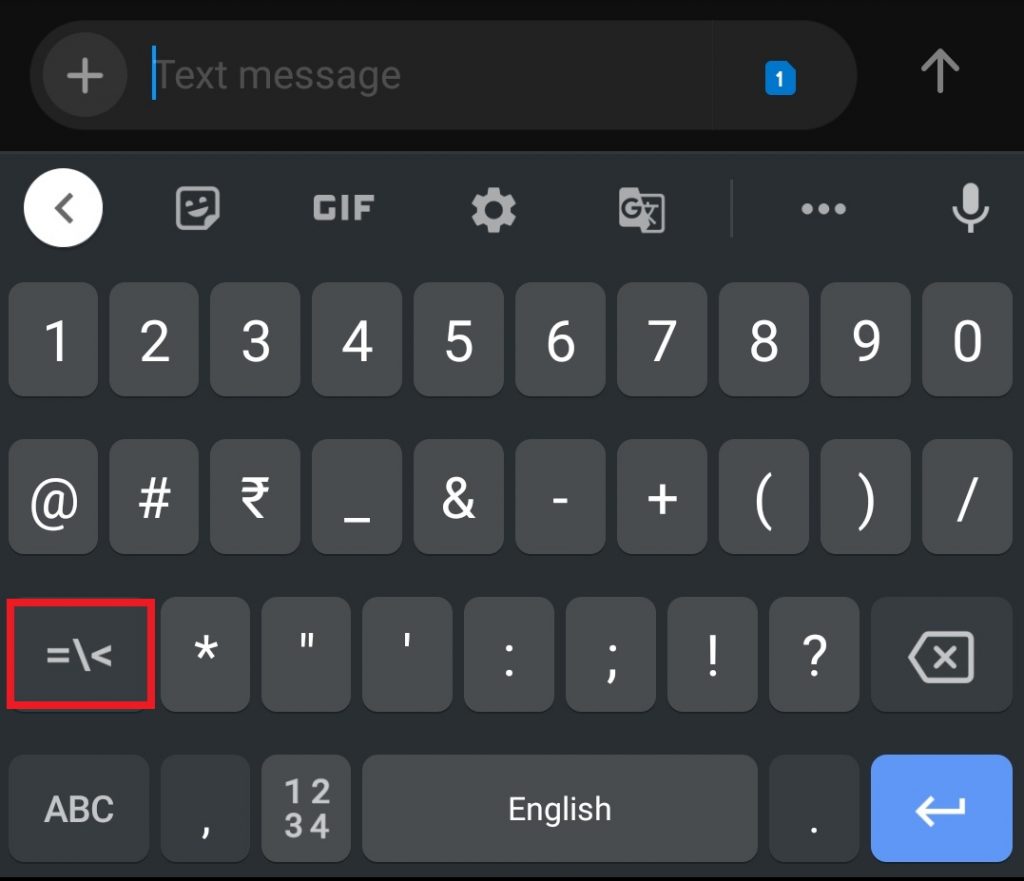
Once the keyboard is open, you need to switch to the symbols section. To do this, tap on the symbols icon, which is usually located on the bottom left or bottom right of the keyboard. If you cannot find it, look for the “123” key, which will also switch you to the symbols section.
Step 3: Find the Registered Trademark Symbol

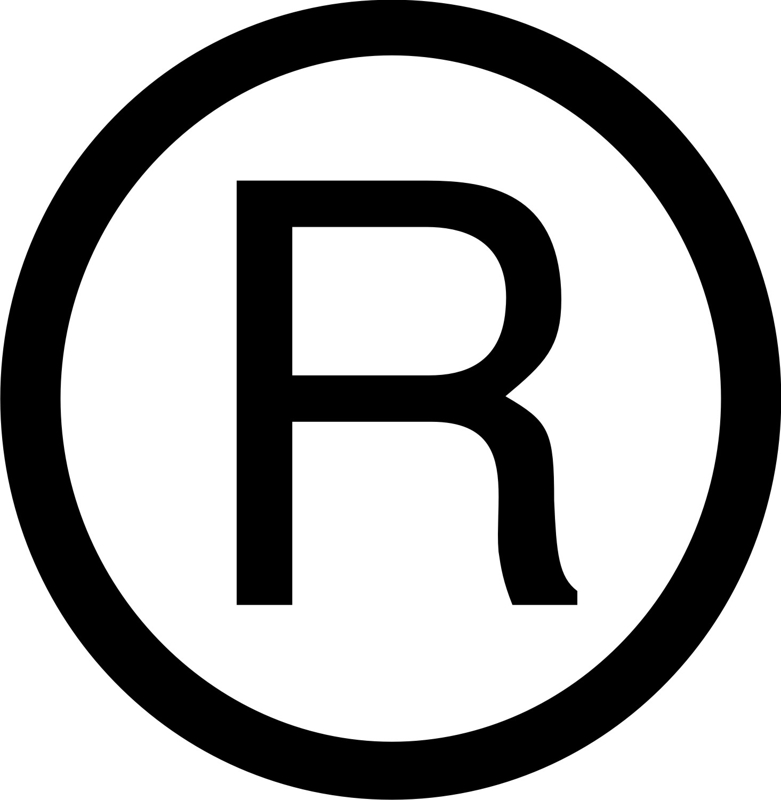
Now that you are in the symbols section, you need to find the registered trademark symbol. This symbol looks like a small “R” inside a circle. It is usually located on the second or third page of the symbols section. To access the other pages, simply swipe left or right on the keyboard.
Step 4: Type the Registered Trademark Symbol

Once you have found the registered trademark symbol, simply tap on it to type it. The symbol will then appear in the text field you are typing in. You can now continue typing your message or document as usual.
Alternative Method: Copy and Paste

If you cannot find the registered trademark symbol in the symbols section, or if you do not want to switch back and forth between pages, there is an alternative method you can use. Simply copy the symbol from another source, such as a website or a document, and paste it into the text field on your Android device.
Conclusion
Typing a registered trademark symbol on Android may seem daunting, but it is actually quite simple. By following the steps outlined in this article, you can easily type this symbol in your day-to-day communication. Whether you are a business owner, a writer, or just someone who wants to use the symbol, now you know how to do it!